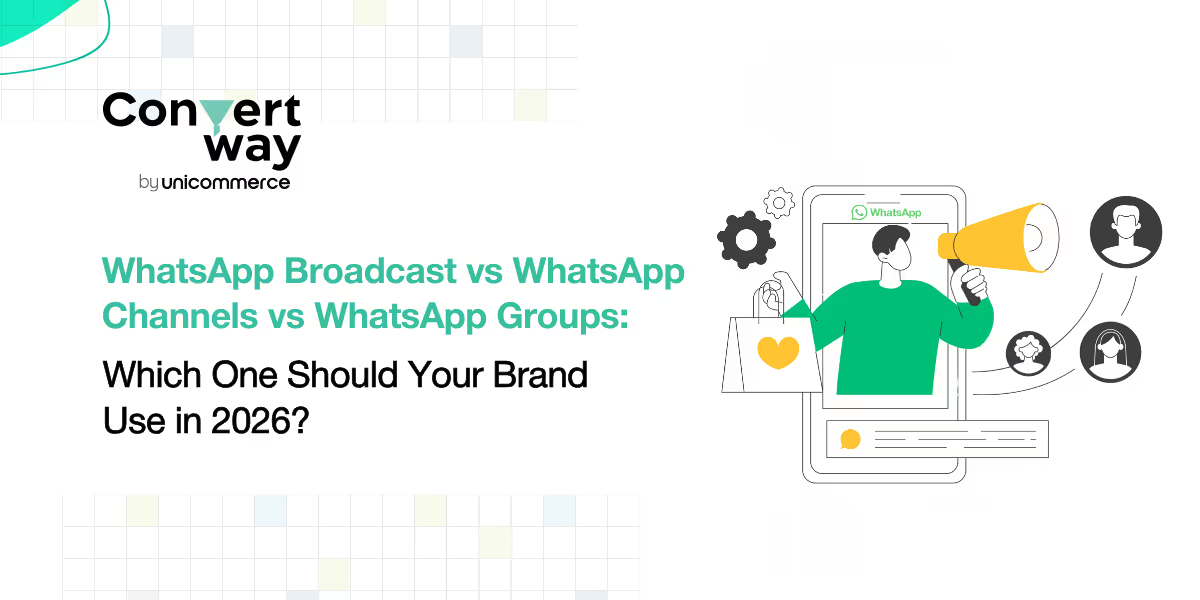
Brands are sending more messages than ever, yet engagement is dropping. Why? Because most are using WhatsApp the wrong way. In 2026, knowing when to use Broadcasts, when to build a Channel, and when to leverage Groups could be the difference between growth… and getting muted.
A WhatsApp Broadcast is a feature that lets you send a single message to many people at the same time, but each recipient receives it privately, in their personal chat window, just as if you messaged them individually.
This makes Broadcasts one of the most effective ways for brands to communicate at scale without losing the feeling of 1:1 personalization.
Brands commonly use Broadcasts to send:
Because every message feels individual, broadcasts help brands maintain a professional, private, and spam-free communication experience.
Imagine you’re managing an online beauty brand. You want to inform 2,000 customers about your new “Vitamin C Serum – Limited Edition Drop.
A WhatsApp Group is a shared conversation space where multiple members can communicate, collaborate, and engage with each other in real time. Unlike broadcasts which are one-way groups are designed for two-way interaction and community building.
Brands and businesses typically use WhatsApp Groups for:
Groups allow every member to post messages, reply, react, share files, images, or videos, making them ideal for conversations that need active participation.
However, groups can become noisy, especially as the size grows. Since everyone can see each other’s messages, they’re not suited for private updates, promotions, or personalized marketing.
Imagine you run a fitness brand. You create a “30-Day Challenge Community” WhatsApp Group for participants.
Inside the group, members:
1. Share progress
2. Ask questions
3. Receive daily workout reminders
4. Motivate each other
This creates a high-engagement environment that strengthens trust and improves program completion rates, something a broadcast cannot achieve.
A WhatsApp Channel is a one-way broadcast tool that allows brands, creators, and organizations to share updates with a large audience, without opening a two-way chat or revealing follower identities.
Unlike WhatsApp Groups, followers cannot reply, and unlike WhatsApp Broadcasts, recipients don’t need to save your number to receive updates.
Think of WhatsApp Channels as a newsletter feed inside WhatsApp, built for reach, content distribution, and clean communication without noise.
Businesses use WhatsApp Channels to share:
Channels offer high reach, zero spam risk, and complete privacy, making them perfect for one-to-many messaging at scale.
Imagine you run a sneaker brand. You launch a WhatsApp Channel for your followers who want early access to limited drops.
WhatsApp Broadcast is used for one-to-many private messaging where brands send offers, alerts, and updates directly to users. Messages feel personal, replies happen in private chats, and recipients cannot see each other. Broadcasts support automation, personalization, and detailed analytics, making them ideal for promotions, transactional updates, COD confirmations, and product launches.
WhatsApp Groups are designed for two-way communication where all members can interact with each other. They are best suited for community discussions, feedback groups, and VIP clubs. However, groups have limited automation, minimal analytics, higher noise levels, and visible member phone numbers, which makes them unsuitable for structured or large-scale marketing.
WhatsApp Channels enable one-way content distribution at scale, similar to a brand newsletter. Brands can share announcements, updates, and content with unlimited followers. Channels are discoverable, highly professional, and spam-free, but they do not support replies, personalization, or advanced marketing automation.
Which WhatsApp format is best for businesses?
For marketing and conversions, WhatsApp Broadcast is the most effective. For community engagement, WhatsApp Groups work best. For large-scale announcements and brand updates, WhatsApp Channels are ideal.
1. WhatsApp broadcast limit is capped at 256 contacts per list on the regular app
On the standard WhatsApp and WhatsApp Business app, the WhatsApp broadcast limit allows you to send a message to only 256 contacts at a time. Anyone who hasn’t saved your number will not receive the broadcast.
2. API users can bypass the WhatsApp broadcast limit for large campaigns
If you use a WhatsApp API solution, the WhatsApp broadcast limit increases significantly, and you can message thousands of customers based on your messaging tier (1K, 10K, 100K, or more).
3. WhatsApp broadcast limit ensures controlled, private outreach
Since each message goes out privately and feels personal, the WhatsApp broadcast limit helps brands maintain quality communication without group noise or visibility issues.
1. Lack of privacy for members
Unlike a WhatsApp broadcast group, WhatsApp Groups reveal every member’s name and phone number, which can make participants uncomfortable especially in customer-facing or public communities.
2. High noise and message overload
WhatsApp Groups often become noisy and unmanageable as members send frequent messages, causing important updates to get lost. This makes them unsuitable for structured communication or promotional content.
3. Limited control and no personalization
Unlike broadcasts, a WhatsApp Group doesn’t allow targeted, personalized messages. Every member receives the same message, and admins have limited control over conversations, leading to moderation challenges.
1. No personalization or 1:1 engagement
WhatsApp Channels only support one-way posts. Followers cannot reply, and brands cannot personalize messages with customer names, offers, or dynamic fields. This limits its effectiveness for targeted marketing or conversions.
2. Limited analytics and performance insights
Unlike API-driven broadcasts, WhatsApp Channels offer only basic metrics such as views and follower count. Brands cannot track link clicks, conversion rates, or audience segments, making optimization challenging.
3. Not suitable for urgent or transactional communication
Channels do not support real-time delivery for reminders, COD verification, alerts, or order notifications. Posts appear in the "Updates" tab, not the main chat inbox reducing visibility for time-sensitive messages.
WhatsApp has become the most powerful customer communication channel in ecommerce, but only for brands that use it correctly. Broadcasts, Groups, and Channels each serve a very different purpose, and mixing them up can lead to low engagement, muted conversations, or wasted campaigns.
If your goal is personalized, private, and scalable 1:1 communication, WhatsApp Broadcasts remain the strongest tool. Even with the native WhatsApp broadcast limit, brands using API-based WhatsApp broadcast software can message thousands of customers in one go, automate campaigns, add personalization fields, and track conversions, all without creating a noisy WhatsApp broadcast group.
If you want community engagement, discussions, and peer-to-peer conversations, WhatsApp Groups offer a more interactive environment. But their limitations around privacy, personalization, and noise make them unsuitable for time-sensitive or promotional updates.
If you care about wide reach, discoverability, and content distribution, WhatsApp Channels provide a clean, broadcast-only format. They shine for updates and announcements, but lack the personalization and performance tracking needed for revenue-focused messaging.
In 2026, the winning strategy won’t be choosing one format; it will be knowing exactly when to use each one. Broadcasts for conversions. Groups for community. Channels for reach.
Convertway removes the friction of native WhatsApp tools by helping brands send large-scale broadcasts, personalize messaging, and automate customer journeys, all from one simple dashboard. If you want to turn WhatsApp into a high-performing marketing channel in 2026, Convertway makes it effortless.
FAQs
1. What is the WhatsApp broadcast limit in 2026?
The native WhatsApp broadcast limit allows sending messages to 256 contacts per broadcast list. However, using official WhatsApp API-based WhatsApp broadcast software, brands can message thousands of customers per day through tier-based messaging limits (1K, 10K, 100K+, etc.).
2. What is the difference between a WhatsApp Broadcast and a WhatsApp broadcast group?
A WhatsApp Broadcast sends private, one-to-many messages where recipients cannot see each other. A WhatsApp broadcast group is often misunderstood it actually refers to a WhatsApp Group, where members can see each other, reply publicly, and engage in two-way conversations.
3. When should brands use WhatsApp Broadcast instead of Groups or Channels?
Use WhatsApp Broadcast for personalized promotions, order updates, COD verification, and alerts. Use WhatsApp Groups for community engagement, discussions, and feedback. Use WhatsApp Channels for large-scale announcements and updates where replies are not required.
4. What are the limitations of WhatsApp Groups for business communication?
WhatsApp Groups reveal member numbers, create noise, and offer no personalization making them less suitable for marketing. Compared to a WhatsApp broadcast group, broadcasts maintain privacy, prevent clutter, and allow automation.
5. How does WhatsApp broadcast software help bypass the WhatsApp broadcast limit?
WhatsApp broadcast software built on the official API removes the 256-contact restriction. Brands can send automated, personalized campaigns to thousands of users instantly, track analytics, and run journeys that native WhatsApp cannot support.
6. Are WhatsApp Channels better than WhatsApp Broadcast for business?
Not always. WhatsApp Channels are great for reach, announcements, and zero-noise communication, but lack personalization and real-time inbox delivery. WhatsApp Broadcasts are better for 1:1 communication, conversions, nudges, and transactional messages especially when using API-powered broadcast tools.