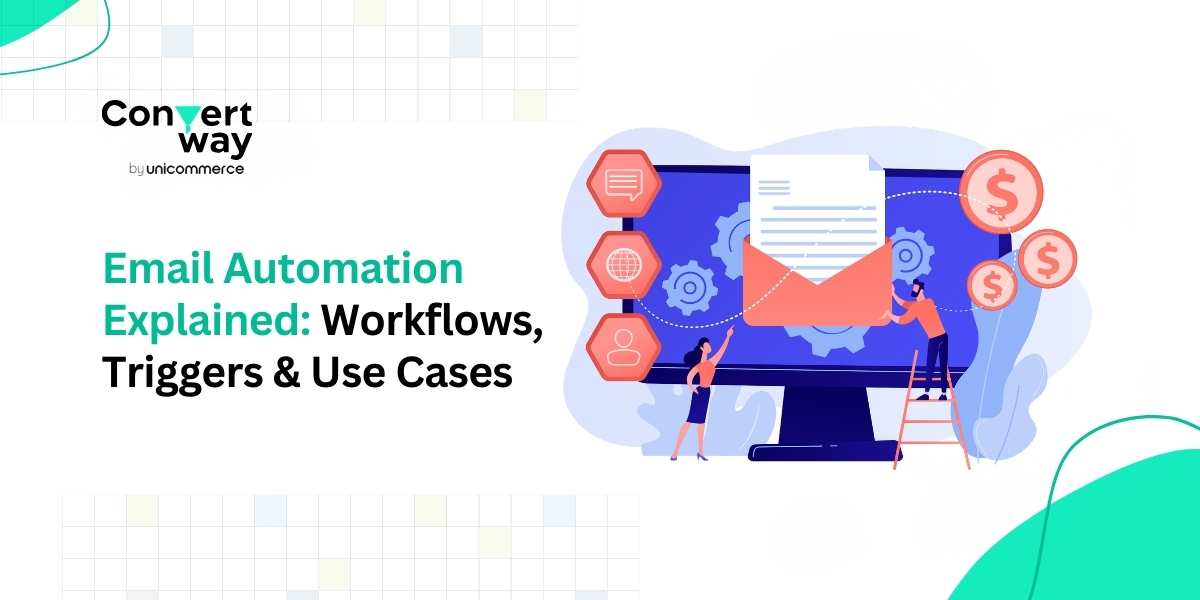
Let’s be real, most brands send emails. But here’s the thing: not every email is created equal. If you’re just blasting out newsletters every now and then, you’re leaving a ton of potential on the table. The smart e-commerce folks? They treat email like a growth engine, not just a promo channel.
And the secret sauce behind that? Email automation.
Basically, it’s a way to send the right email to the right person at the right time without you having to do it manually. Sounds cool, right? Let’s break it down.
Email automation is just a fancy way of saying: emails send themselves.
Instead of sending every email manually, you set up a system that sends emails automatically when something happens, like:
Unlike normal campaigns, where everyone gets the same email, automated emails are based on what the person does. This makes your messages more relevant and useful.
The classic tool in the email automation toolbox? Drip campaigns. Basically, a drip campaign is a sequence of emails sent over time to guide your subscriber through a journey, whether it’s getting to know your brand, learning about your product, or nudging them to buys, are adopting these systems, it’s helpful to look at the key benefits email automation provides.
Businesses adopt automated email marketing not just to save time, but to create more structured and effective customer communication. Some of the key benefits include:
With drip marketing, businesses can automatically send a sequence of emails that educate, inform, and guide subscribers after they join the list. This ensures that new leads continue to receive relevant information even when the marketing team is not actively running campaigns.
Automation allows emails to be triggered by specific actions such as signups, purchases, or link clicks. Through drip-campaign marketing, businesses can respond to these behaviors with relevant messages rather than sending the same campaign to everyone.
A well-structured drip email campaign can introduce new customers to a product, explain features, and share helpful tips. This improves the onboarding experience and helps users understand the product's value faster.
Instead of relying only on occasional campaigns, automation enables businesses to stay connected with subscribers through structured sequences. For example, an email drip campaign strategy may include welcome emails, product education emails, and follow-up offers that guide customers toward a purchase.
As subscriber lists grow, managing communication manually becomes difficult. Email automation allows businesses to maintain personalized messaging for thousands of users without increasing manual effort.
Understanding these benefits is important, but automation works effectively only when the right systems are in place. To see how this happens, it is helpful to explore the key components that power email automation workflows.
Behind every email automation system are a few essential elements that determine how and when emails are sent. These components work together to create structured communication flows for subscribers.
Triggers are the events that start an automated sequence. When a specific action occurs, the system activates an email drip designed to respond to that behavior.
Common triggers include a user signing up for a newsletter, abandoning a cart, making a purchase, clicking a link, or becoming inactive for a period of time. These actions signal when a drip campaign should begin.
Triggered emails are particularly effective because they respond to real user actions. In fact, automated emails triggered by user behavior can generate around 320% more revenue than standard campaigns.
Workflows represent the path that subscribers follow once an automation starts. In drip email marketing, workflows define the order, timing, and conditions under which emails are sent.
For example, when a new user signs up, the system may send a welcome email first, wait two days, and then send product recommendations. This structured flow ensures that messages are delivered in the right sequence.
Actions determine what happens inside the automation. In a typical drip email campaign, actions may include sending an email, applying tags to subscribers, adding users to a segment, or scheduling follow-up messages.
Once configured, email automation workflows run automatically based on user actions and predefined rules. This allows businesses to send relevant messages without manually managing each campaign.
The process begins with a trigger. When a user performs an action such as signing up or abandoning a cart, the system activates an email drip designed to respond to that behavior.
These automated messages are highly effective. Studies show that automated emails generate 320% more revenue than non-automated campaigns.
Now that we understand how these workflows operate, let’s explore some email drip campaign examples and the most common automation use cases.
Once businesses understand how workflows operate, the next step is applying them in real scenarios. Many companies use email automation to create structured communication flows that guide users through different stages of the customer journey.
Below are some of the most widely used email drip campaign examples.
A welcome sequence is usually the first email drip a subscriber receives after joining a mailing list. These emails introduce the brand, explain what subscribers can expect, and often include a first-purchase offer.
Welcome emails are highly effective because they reach users at the moment they show interest. Research shows that welcome emails generate four times as many opens and five times as many clicks as standard marketing emails.
Cart abandonment emails are triggered when a customer adds products to a cart but does not complete the purchase. In drip campaign marketing, businesses often send a reminder email followed by an incentive such as a discount or free shipping.
These emails perform well because they respond to clear purchase intent. Studies show that abandoned cart emails can achieve conversion rates of around 5%, making them one of the most effective automation triggers in e-commerce.
After a customer completes a purchase, businesses often start a drip email campaign designed to strengthen the relationship. These emails may include order confirmations, product usage tips, or cross-sell recommendations.
This type of drip marketing helps businesses increase customer lifetime value by encouraging repeat purchases and building long-term engagement.
Over time, some subscribers stop interacting with emails. A re-engagement drip campaign targets these inactive users with messages designed to bring them back.
These campaigns may include personalized offers, product updates, or reminders about the benefits of staying subscribed. By identifying disengaged users and sending targeted messages, businesses can revive interest without sending mass campaigns.
Another common automation use case is personalized product recommendations. In many drip campaign marketing strategies, these emails are triggered by browsing behavior or past purchases.
For example, if a customer views a product but does not buy it, the system may automatically send a follow-up email with similar product suggestions. This approach makes automation more relevant and improves conversion rates.
To get the best results from email automation, businesses need to design workflows carefully rather than sending random sequences.
Following a few best practices can help improve engagement and overall campaign performance.
Don’t try to build 10 workflows at once. Begin with welcome emails, cart reminders, and post-purchase follow-ups.
Split your audience based on behavior, purchases, or interests. A well-segmented email beats a generic blast every day.
Include names, tailor recommendations, and respond to actions. Personalized emails get 6x higher transaction rates.
Test different intervals. Too many emails → annoyed subscribers. Too few → lost engagement. Find the sweet spot.
Keep experimenting with subject lines, content, and timing. Look at open rates, clicks, and conversions, and refine as you go.
Running email campaigns manually is… well, a lot of work. That’s where platforms like Convertway come in. They make it super easy for businesses to set up email automation and stay connected with customers, without lifting a finger at the wrong time. Instead of sending emails one by one, you can create smart workflows that automatically reach the right people at the right moment.
Here’s how Convertway helps you work smarter:
Convertway allows businesses to create behavior-based workflows that trigger messages in response to customer actions. These workflows can power sequences similar to an email drip used for onboarding, cart recovery, or post-purchase communication.
Not all subscribers are the same, so why send everyone the same email? Convertway helps you segment your audience by behavior, purchase history, or engagement level. The result? Every email feels personal, relevant, and timely, which means more opens, clicks, and sales.
Email isn’t the only way to reach your customers. Convertway supports WhatsApp, SMS, RCS, and email, letting you take your drip campaigns beyond the inbox. Send reminders, updates, or offers on the platform your customers prefer most, and watch engagement soar.
How do you know if your campaigns are working? ConvertWay’s analytics dashboards let you track delivery rates, clicks, and conversions. With these insights, you can fine-tune your workflows, tweak your messaging, and get better results every time.
While email automation can significantly improve marketing efficiency, poorly designed workflows can reduce engagement. Avoiding a few common mistakes can help businesses run more effective campaigns.
Creating too many automated flows at once can overwhelm subscribers. Instead, businesses should start with a few essential email drip sequences, such as welcome, cart recovery, and post-purchase.
Generic messages reduce engagement in automated email marketing. Using customer data, such as browsing behavior or past purchases, helps make emails more relevant.
In drip email marketing, timing plays a major role. Sending emails too frequently can lead to unsubscribes, while long gaps may reduce interest.
Many businesses launch a drip email campaign without testing subject lines, timing, or content. Regular testing helps improve open rates, clicks, and conversions.
Manual email campaigns? That’s old school. If you really want to keep your brand in front of people, boost engagement, and drive more sales, email automation is where it’s at. By setting up the right triggers, workflows, and actions, you can send emails that feel personal, timely, and useful, without doing all the work yourself.
Using a tool like Convertway makes this even easier. It helps you create smart sequences, reach customers on the channels they prefer, and track what’s working. Over time, this approach not only boosts conversions but also builds stronger, long-term relationships with your audience. So go ahead, launch your first welcome series, remind customers about abandoned carts, and let your emails do the heavy lifting.
FAQs
1. What is email automation?
Email automation is the process of sending emails automatically based on predefined triggers such as user signups, purchases, or engagement actions. It helps businesses deliver timely and relevant communication without having to manually send every email.
2. What is the difference between automated email marketing and manual campaigns?
In automated email marketing, emails are triggered by customer behavior or time-based rules. Manual campaigns, on the other hand, are sent individually by marketers to an entire list at a specific time.
3. What is a drip email campaign?
A drip email campaign is a sequence of emails sent automatically over time. A user action usually triggers these messages, which are commonly used in drip marketing to nurture leads, onboard customers, or promote products.
4. What are some common email drip campaign examples?
Some common email drip campaign examples include welcome email series, abandoned cart reminders, post-purchase follow-ups, and re-engagement campaigns for inactive subscribers.
5. How does drip email marketing help businesses?
Drip email marketing helps businesses maintain consistent communication with customers, improve engagement, and guide subscribers through the customer journey with targeted, automated messaging.