For small businesses, customer conversations are no longer limited to phone calls or emails. Today, buyers expect quick, familiar, and reliable communication, and WhatsApp has become the preferred channel for exactly that. As conversations increase, managing them only from a mobile phone becomes inefficient. This is where WhatsApp Business Web steps in.
WhatsApp Business Web allows small business owners to handle customer chats directly from a desktop or laptop, making it easier to respond faster, stay organised, and manage growing volumes without missing opportunities.
This guide explains what WhatsApp Business Web is, how it works, and how small businesses can use it effectively.
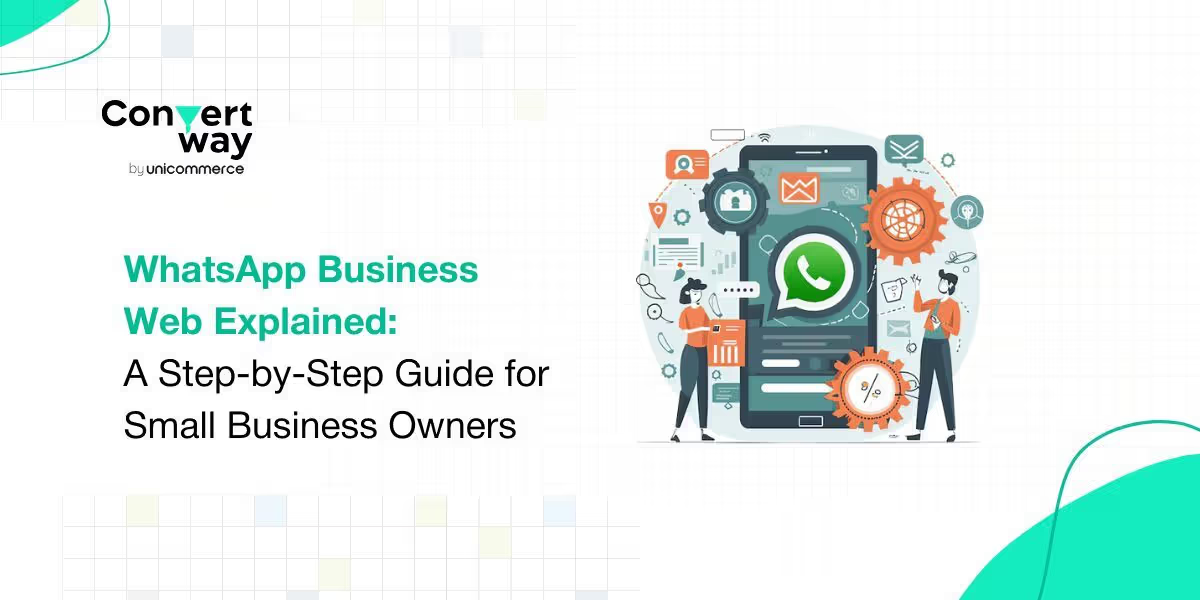
WhatsApp Business Web is the browser-based extension of the WhatsApp Business mobile app. It mirrors all your WhatsApp Business conversations on a desktop screen, allowing you to send and receive messages, manage chats, and share files while working from your computer.
Unlike the mobile app, WhatsApp Business Web is designed for multitasking, making it ideal for founders, customer support teams, and sales reps who spend most of their day on a desktop.
WhatsApp Business Web does not operate independently. It syncs with your WhatsApp Business mobile app in real time.
Here’s how it works at a high level:
This setup ensures message continuity and data security while giving you desktop-level convenience.
Step 1: Install WhatsApp Business App:
Download and set up the WhatsApp Business app on your mobile phone with your business number.
Step 2: Open WhatsApp Business Web:
On your desktop browser, visit the official WhatsApp Web page.
Step 3: Link Your Device:
Open the WhatsApp Business app on your phone
Tap Linked Devices
Scan the QR code displayed on your desktop screen
Step 4: Start Managing Chats:
Once connected, all your conversations will appear on your desktop instantly.
1. Faster Typing & Replies: Responding via keyboard significantly improves response time, especially during high chat volumes.
2. Chat Organisation: View multiple conversations at once and switch between chats seamlessly.
3. File & Document Sharing: Send invoices, catalogues, order details, and PDFs directly from your computer.
4. Business Tools Access: You can still use labels, quick replies, and business profile features synced from the mobile app.
5. Multi-Tasking Support: Perfect for handling WhatsApp chats alongside CRM tools, order dashboards, or spreadsheets.
For small business owners, time and responsiveness directly impact conversions.
WhatsApp Business Web helps by:
It’s particularly useful for businesses handling enquiries related to pricing, availability, order status, or basic support.
While WhatsApp Business Web is useful, it has certain limitations:
As chat volumes grow, these limitations become more visible—especially for businesses running marketing campaigns or managing sales pipelines on WhatsApp.
When WhatsApp Business Web Is Enough, and When It’s Not
WhatsApp Business Web works well if you:
You may outgrow it if you:
As small businesses grow, WhatsApp often shifts from a communication tool to a revenue channel. At this stage, brands typically move beyond WhatsApp Business Web to more advanced WhatsApp CRM and automation platforms.
These tools help:
WhatsApp Business Web is a powerful starting point for small business owners looking to manage customer conversations efficiently from a desktop. It simplifies daily communication, improves response times, and supports early-stage growth without complexity.
However, as customer interactions scale, businesses must evaluate whether basic chat mirroring is enough or whether structured automation and CRM-driven engagement are needed to unlock WhatsApp’s full potential.
Used strategically, WhatsApp Business Web can be the first step toward building a scalable, conversation-led growth engine for your business.
FAQs
1. What is WhatsApp Business Web?
WhatsApp Business Web is the desktop browser version of the WhatsApp Business app that lets businesses manage customer conversations from a laptop or computer while staying synced with their mobile device.
2. How does WhatsApp Business Web work?
WhatsApp Business Web mirrors conversations from the mobile app in real time. Messages sent from the desktop are delivered via the connected phone, which remains the primary device.
3. Is WhatsApp Business Web free to use?
Yes, WhatsApp Business Web is completely free to use and comes bundled with the WhatsApp Business mobile app, without any additional charges.
4. Can multiple users use WhatsApp Business Web at the same time?
No, WhatsApp Business Web does not offer true multi-agent support. It is best suited for single users or very small teams sharing one device.
5. What are the limitations of WhatsApp Business Web for growing businesses?
WhatsApp Business Web lacks automation, lead tracking, analytics, and chat assignment features, making it less suitable for high-volume or multi-agent customer engagement.
6. When should a business move beyond WhatsApp Business Web?
Businesses should consider advanced WhatsApp CRM or automation tools when chat volumes increase, multiple agents are required, or WhatsApp becomes a key revenue and support channel.