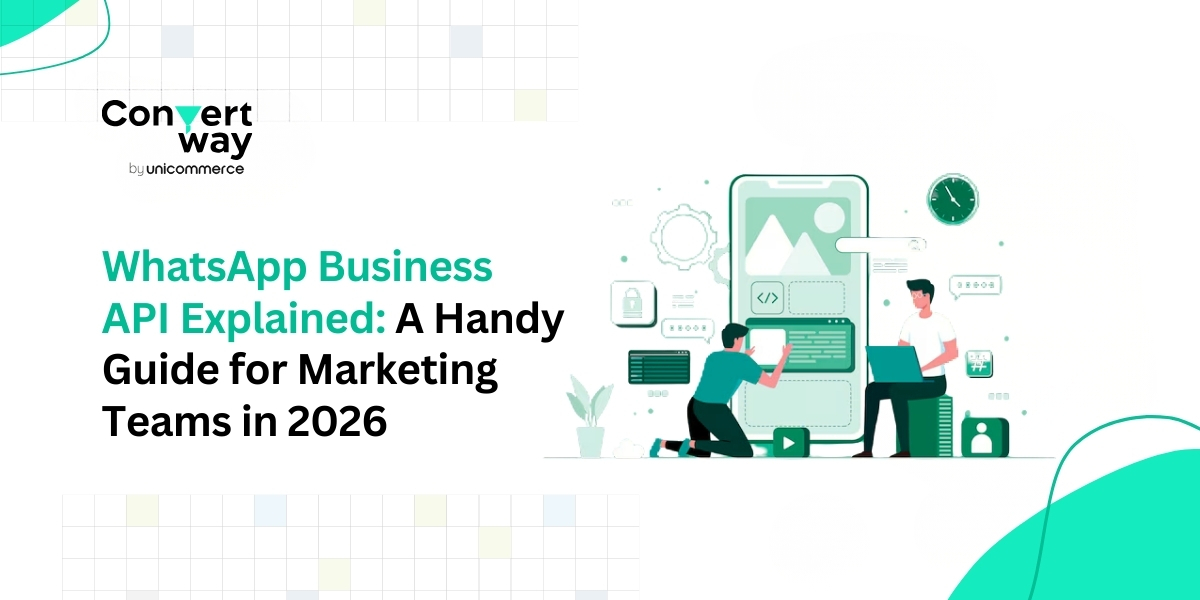
In 2026, WhatsApp is no longer just a messaging app for personal chats. It has become one of the most effective ways for brands to reach and engage customers where they already spend time every day. With over 3 billion monthly users and business messages getting opened about 98% of the time, WhatsApp offers the kind of visibility and engagement that email and SMS often struggle to deliver. For marketing teams, this means faster responses, real conversations, and more opportunities to drive conversions. This is exactly where the WhatsApp Business API comes in. It gives businesses the ability to send messages at scale, automate conversations, and manage customer interactions in a structured and measurable way.
In this guide, we will walk you through what the WhatsApp Business API is, how it works, and how marketing teams can use platforms like Convertway to run campaigns, automate journeys, and turn everyday chats into measurable growth.
The WhatsApp Business API is designed for businesses that want to communicate with customers at scale. While the regular WhatsApp Business app works well for small teams managing chats manually, it becomes limiting when you need to send campaigns to thousands of users, automate responses, or handle conversations across multiple team members. The API removes these limitations and gives marketing teams the tools they need, such as bulk broadcasts, automated journeys, CRM and store integrations, and a shared inbox to manage replies efficiently.
So how does all of this come together in practice? Let us understand how the WhatsApp Business API works behind the scenes and what the setup looks like for marketing teams.
Getting started with the WhatsApp Business API is easier than most teams expect. After verifying your business and connecting your number through a WhatsApp Business API provider, you get a single dashboard to manage campaigns, automation, and customer conversations without any technical complexity.
You can create approved message templates for promotions, reminders, and updates, upload and segment your audience, and launch broadcasts or automated flows in just a few clicks. All replies land in a shared inbox so your team can respond quickly, while built-in analytics track deliveries, opens, clicks, and conversions. Over time, WhatsApp becomes less of a chat tool and more of a structured, measurable marketing channel built for scale.
With the setup clear, let’s look at why so many marketing teams are choosing WhatsApp as a core growth channel.
Marketing teams choose WhatsApp because it delivers what most channels struggle with: attention and real conversations. Instead of messages getting lost in crowded inboxes, WhatsApp helps brands connect with customers instantly and more personally.
Here’s what makes it so effective:
• Higher engagement: WhatsApp messages are opened and read within minutes, so your campaigns are actually seen rather than ignored, unlike many emails or SMS messages.
• Automation that saves time: You can set up automated flows for welcomes, reminders, abandoned carts, or follow-ups, so customers receive the right message automatically without manual effort.
• Better targeting and segmentation: Audiences can be grouped by behavior, purchases, or activity, allowing you to send relevant messages rather than generic blasts.
• Two-way conversations: Customers can reply instantly, ask questions, or take action, turning campaigns into real conversations rather than one-sided communication.
• Clear performance tracking: Deliveries, opens, clicks, and conversions are all measurable, helping marketing teams understand what works and improve results over time.
The real impact becomes clear when these benefits are put into practice. Let’s look at how marketing teams use WhatsApp every day to increase engagement and drive revenue.
The benefits become much clearer when you see how WhatsApp fits into everyday marketing activities. Here are some common use cases along with simple examples of how teams actually use them.
• Lead nurturing and follow-ups: When someone signs up for a demo, downloads a guide, or registers for a webinar, WhatsApp can instantly keep the conversation going.
Example: “Hi Rahul, thanks for registering for our masterclass. It starts at 5 PM today. Tap here to join.”
• Abandoned cart recovery: Automated reminders help bring shoppers back before they forget about their purchase.
Example: “You left these items in your cart. Complete your order now and get 10% off. Check out here.”
• Promotions and product launches: Broadcast campaigns help brands quickly spread the word about sales or new arrivals.
Example: “Our End of Season Sale is live. Get up to 40% off today only. Shop now.”
• Order updates and support: Transactional messages reduce customer anxiety and support queries by keeping them informed at every step.
Example: “Your order #4821 has been shipped and will arrive tomorrow. Track your package here.”
• Re-engagement and retention: Brands can reconnect with inactive users using personalized nudges or offers.
Example: “We miss you. Here’s a 15% coupon for your next purchase. Valid for 48 hours.”
These small, timely messages feel natural and conversational, yet they directly impact clicks, purchases, and repeat business. That’s what makes WhatsApp such a powerful channel for everyday marketing.
Getting started with the WhatsApp Business API might sound technical, but with the right platform, the process is straightforward and quick. Instead of dealing with integrations or complex setups on your own, it can handle the heavy lifting so your marketing team can focus on campaigns, not coding.
Here’s what the journey typically looks like:
Your brand is verified through Facebook Business Manager to get official access to WhatsApp Business. This ensures your account is trusted and compliant.
You can either port your existing number or get a new one and connect it to Convertway’s dashboard, where all messaging activity is managed in one place.
Templates for promotions, reminders, and updates are created and submitted for WhatsApp approval. Convertway helps streamline this process so you can go live faster.
Customer data can be synced from your CRM, store, or existing lists. You can then segment users based on behavior, purchases, or engagement to send more relevant messages.
Broadcasts, drip journeys, abandoned cart flows, and follow-ups can be set up in a few clicks using automation, so messages go out at the right time without manual effort.
Real-time analytics show deliveries, opens, clicks, and conversions, helping you understand what’s working and improve future campaigns.
With everything managed from one dashboard, WhatsApp becomes just as easy to run as email marketing, but far more interactive and engaging.
Getting started is easy, but running WhatsApp marketing the right way matters just as much. A few wrong practices can hurt engagement, reduce your quality rating, or even get your number restricted. Following the right approach helps you stay compliant, protect your account, and deliver a better customer experience.
Here are some simple dos and don’ts every marketing team should keep in mind while using WhatsApp Business API.
Always get permission before messaging customers. People should knowingly agree to receive messages from you via WhatsApp.
Best practice: Use website forms, checkout pages, or lead ads with a clear “Get updates on WhatsApp” option.
Avoid: Uploading random contact lists or messaging users without consent.
Customers respond better when messages match their interests or behavior.
Best practice: Segment users by purchase behavior, activity, or lifecycle stage.
Avoid: Sending the same generic broadcast to everyone.
Too many messages can feel spammy and lead users to block or report your number.
Best practice: Focus on timely and meaningful communication.
Avoid: Daily promotions or unnecessary updates.
WhatsApp is a personal space, so messages should feel human and useful.
Best practice: Write short, clear, friendly copy with a single action.
Avoid: Long, salesy paragraphs or aggressive language.
WhatsApp tracks how users react to your messages. Low engagement or frequent blocks can affect delivery.
Best practice: Regularly check analytics, test campaigns, and improve based on results.
Avoid: Sending campaigns without tracking performance.
Customers expect fast responses on WhatsApp. Delays can lead to missed opportunities.
Best practice: Use automation and a shared team inbox to manage replies efficiently.
Avoid: Treating WhatsApp like email, where late responses are acceptable.
Following these practices keeps your account healthy and ensures WhatsApp remains a high-performing, trusted channel for your brand instead of just another broadcast tool.
Managing approvals, opt-ins, automation, and campaigns can feel overwhelming when you try to handle everything on your own. This is where having the right platform makes all the difference.
Convertway handles the technical and operational complexity of WhatsApp API integration, so marketing teams can focus on running campaigns and driving results rather than worrying about setup, compliance, or infrastructure. Here’s how it helps at every step:
Convertway helps you verify your business, connect your WhatsApp number, and get API access without dealing with complicated technical processes.
You can create message templates for promotions, reminders, or updates directly from the dashboard and submit them for WhatsApp approval with guided support.
Launch bulk campaigns, schedule messages, and send targeted broadcasts without spreadsheets or manual work.
Set up flows for welcome messages, abandoned carts, follow-ups, and re-engagement so communication runs automatically in the background.
Group users based on behavior, purchases, or engagement to send relevant messages that feel personal and drive better conversions.
Manage all customer replies from one place so marketing, sales, and support teams can collaborate easily.
Track deliveries, opens, clicks, ROI, and conversions to measure performance and continuously improve your campaigns.
With everything in one dashboard, WhatsApp marketing becomes as simple as running an email campaign, but far more interactive and effective.
By now, you have a clear idea of how the WhatsApp Business API works and how marketing teams can use it to run campaigns, automate conversations, and drive revenue. If you still have a few practical questions around pricing, limits, or setup, the answers below should help.
Frequently Asked Questions
1. Is WhatsApp Business API free?
The API itself is not free. WhatsApp charges businesses based on conversations, usually per 24-hour session. The final cost depends on the type of message and the country. Convertway helps you manage these costs efficiently while running campaigns at scale.
2. Can I send bulk messages using WhatsApp Business API?
Yes. You can send bulk broadcasts to thousands of opted-in users at once. However, messages should be relevant and follow WhatsApp’s guidelines to avoid spam complaints.
3. Is WhatsApp Business API pricing fixed or standard?
WhatsApp Business API pricing is not fixed or standard. Many people search for terms like “WhatsApp Business API pricing” expecting a flat fee, but WhatsApp actually uses a conversation-based pricing model.
Costs depend on factors like message category, user location, and how conversations are initiated. Platforms like Convertway help businesses understand, manage, and optimize these charges to keep campaigns cost-effective.
4. What is the difference between the WhatsApp Business App and the API?
The Business app is designed for small businesses that handle chats manually on a single device. The API is built for growing teams and allows automation, bulk messaging, integrations, analytics, and multi-user access.
5. How do I get customers’ permission to message them?
You need to collect opt-ins. This means customers clearly agree to receive messages from you through forms, checkout pages, ads, or by starting a conversation themselves.
6. Can WhatsApp be used only for support?
Not at all. Many marketing teams use it for promotions, reminders, abandoned-cart recovery, re-engagement, and retention campaigns, making it a full-fledged growth and revenue channel.
7. How long does it take to get started?
With the right platform, onboarding can be completed in a few days, including business verification, number setup, and template approvals. After that, you can start running campaigns immediately.